TapTidy vs TickTick

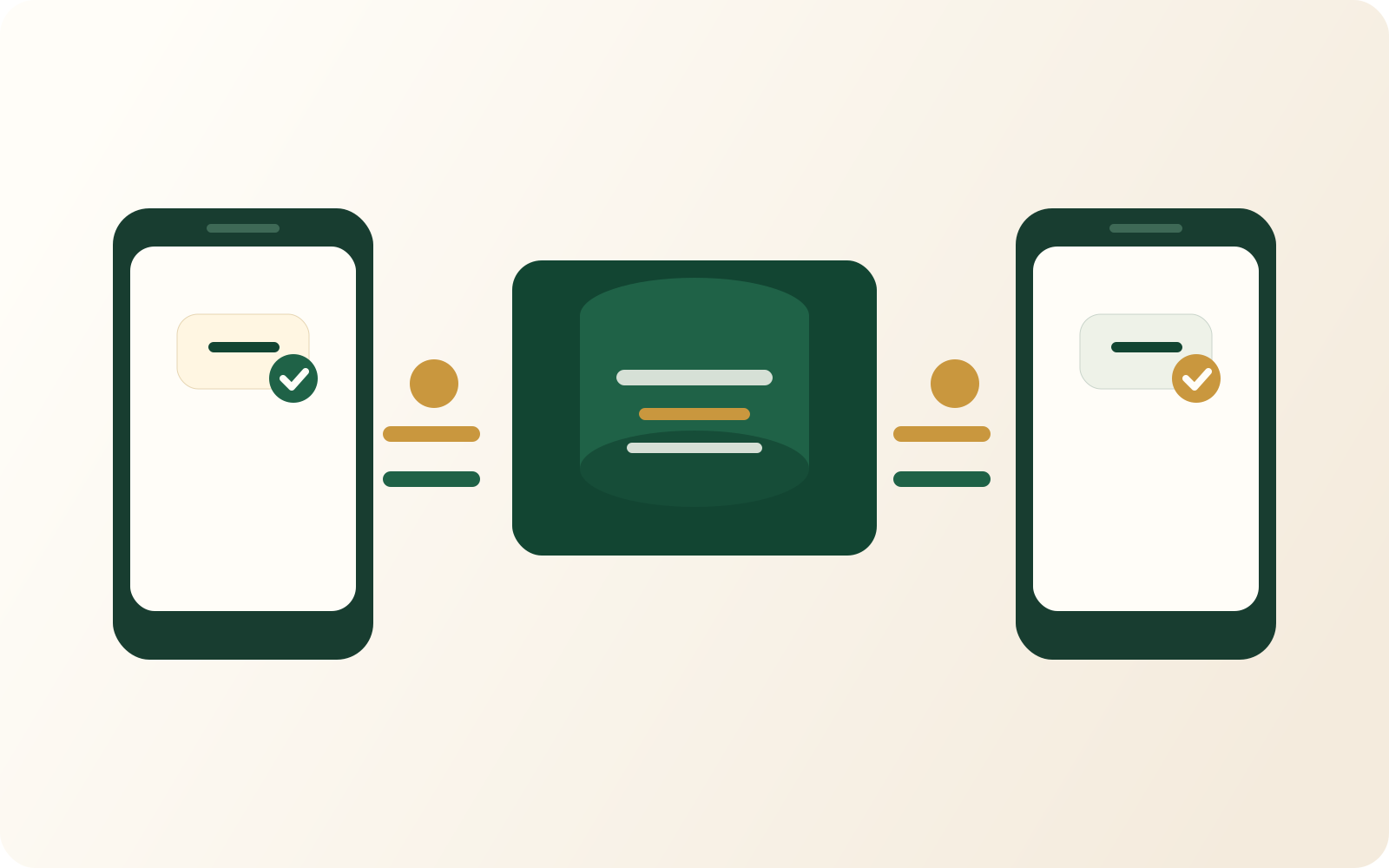
Both apps have a Pomodoro timer and habit tracking. The difference is privacy: TapTidy adds end-to-end encryption (beta), a CalDAV server, offline-first architecture, and a zero-telemetry tier — features TickTick does not offer.

TapTidy Pro$48/yr
TickTick Premium$35.99/yr
TapTidy free tier400 tasks, no expiry
TickTick launched2013
⚖️
Quick verdict
TickTick has been growing since 2013 — it's cheaper, has iOS, and has a dedicated calendar view and kanban boards. Those are real advantages.
Stick with TickTick if you want a lower annual price ($35.99/yr), an iOS app, or a calendar/kanban interface TapTidy doesn't yet offer.
Switch to TapTidy if you need end-to-end encryption, a CalDAV server, offline-first architecture, or a zero-telemetry option — none of which TickTick offers.

Feature comparison

Feature TapTidy TickTick
Pricing
Free tierYes — 400 tasks, no expiryYes — limited features
Pro plan (annual)$48/year$35.99/year
Zero-telemetry optionYes — Pro Privacy ($67/yr)Not available
Offline & Sync
Offline-first architectureYes — writes to device first, alwaysSync-first with offline fallback
Background syncYes (Pro+)Yes (paid tier)
CalDAV serverBuilt-in — connect any CalDAV clientNot available
CalDAV clientYes (Pro+)Not supported
Google Calendar syncYes (Pro+)Yes (paid tier)
Privacy & Security
End-to-end encryptionBeta (Pro+) — AES-256-GCM, device-side keysServer-side encryption only
Zero-telemetry modeYes — Pro Privacy tierNo
Firebase-free buildYes — Privacy APK (no Google)No
Task data used for AINeverUsed for AI features
Capture & Productivity
Natural language inputYes — Rust parser, works fully offlineYes — server-side only
Email-to-taskYes (Pro+) — plus-addressing supportNot available
Focus Mode (daily top-3)Yes — AI-free priority surfacingToday view with filters
Pomodoro timerYes — built-inYes — built-in
Habit / streak trackingYes — routines with streak counterYes — dedicated habits section
Platforms
Web app (PWA)Yes — installable PWAYes
Android appNative Kotlin + Jetpack ComposeFlutter (cross-platform)
iOS appNot yetYes
macOS appNot yetYes

Where TapTidy wins

End-to-end encryption (beta)

TapTidy Pro encrypts your tasks on-device before transmission using AES-256-GCM with device-side key management. TickTick uses server-side encryption — their servers can read your data. For sensitive tasks, this is a fundamental difference in how your data is handled.

CalDAV server built in

TapTidy exposes a CalDAV server endpoint for Apple Reminders, Thunderbird, and any RFC 5545-compatible client. TickTick does not offer a CalDAV server — tasks stay inside TickTick's ecosystem and cannot be accessed via open calendar standards.

Offline-first architecture

TapTidy writes every task to your device first — it never depends on a connection to save. TickTick is cloud-sync-first with an offline fallback. On a flight or in a dead zone, TapTidy behaves identically. TickTick may show stale data or fail to persist changes without a connection.

Zero-telemetry and Firebase-free

TapTidy's Pro Privacy tier disables all analytics, crash reporting, and Firebase Cloud Messaging. The Android Privacy APK has zero Google dependencies and uses UnifiedPush for real-time sync. TickTick has no equivalent — you cannot opt out of telemetry.

Where TickTick wins

Lower annual price

TickTick Premium is $35.99/year vs TapTidy Pro at $48/year. If price is the primary factor and you don't need E2E encryption or a CalDAV server, TickTick is the more affordable choice.

iOS and macOS native apps

TapTidy doesn't have iOS or macOS apps yet. TickTick has polished native apps on both platforms. If you use Apple devices heavily, TickTick is the better fit today.

Dedicated calendar view and kanban boards

TickTick has a built-in calendar view with day, week, and month layouts that shows tasks alongside a scheduling grid — a distinct view TapTidy doesn't offer. It also has per-project kanban boards refined over several years of iteration. These are genuinely different interfaces, not just checklist variations.

Larger community and longer history

TickTick launched in 2013 and has millions of users. It has an active subreddit, extensive user-made templates, YouTube tutorial libraries, and a track record of steady releases. TapTidy is significantly newer — community depth and third-party learning resources are a real gap today.

Common questions

Is TapTidy a good TickTick alternative?
TapTidy is a strong TickTick alternative if you need end-to-end encryption, a CalDAV server, or offline-first architecture — TickTick lacks all three. Both apps have Pomodoro timers and habit/streak tracking. TapTidy Pro is $48/year vs TickTick Premium at $35.99/year. TapTidy does not yet have an iOS app; TickTick does.
Does TapTidy have a Pomodoro timer like TickTick?
Yes. TapTidy has a built-in Pomodoro timer with both work and break session types, pause and resume support, and integration with Focus Mode. TickTick also has a Pomodoro timer. This is a feature both apps share.
Is TapTidy more private than TickTick?
Yes. TapTidy Pro includes end-to-end encryption (currently in beta) using AES-256-GCM with device-side key management — TapTidy servers cannot read your task content. TickTick uses server-side encryption only. TapTidy also offers a Pro Privacy tier with zero analytics and zero telemetry, and a Firebase-free Android build (no Google dependencies).
How does TapTidy's Android app compare to TickTick's?
TapTidy's Android app is built natively with Kotlin and Jetpack Compose — the current standard for native Android development. TickTick's Android app is built with Flutter, a cross-platform framework that adds a layer between the app and the Android OS. TapTidy also offers a Firebase-free 'No Google' Android build with UnifiedPush for real-time notifications.

Try TapTidy free — privacy TickTick doesn't offer

E2E encryption (beta). CalDAV server. Offline-first. Free to start.

Create your free account →
or view pricing