Skip to content
TapTidy
Things 3 comparison
HomeCompareThings 3

Comparison

Things 3 is still exceptional on Apple devices. TapTidy is the better choice once the same system has to live beyond them.

This comparison is less about which app is prettier and more about where the task system needs to go. If the answer is Android, web, household sharing across mixed devices, or open sync, TapTidy solves a different and broader problem.

Apple-native polish vs cross-platform reach One-time purchase vs subscription Open sync only on TapTidy

Things 3 platform and product references were checked against official Cultured Code materials on July 9, 2026.
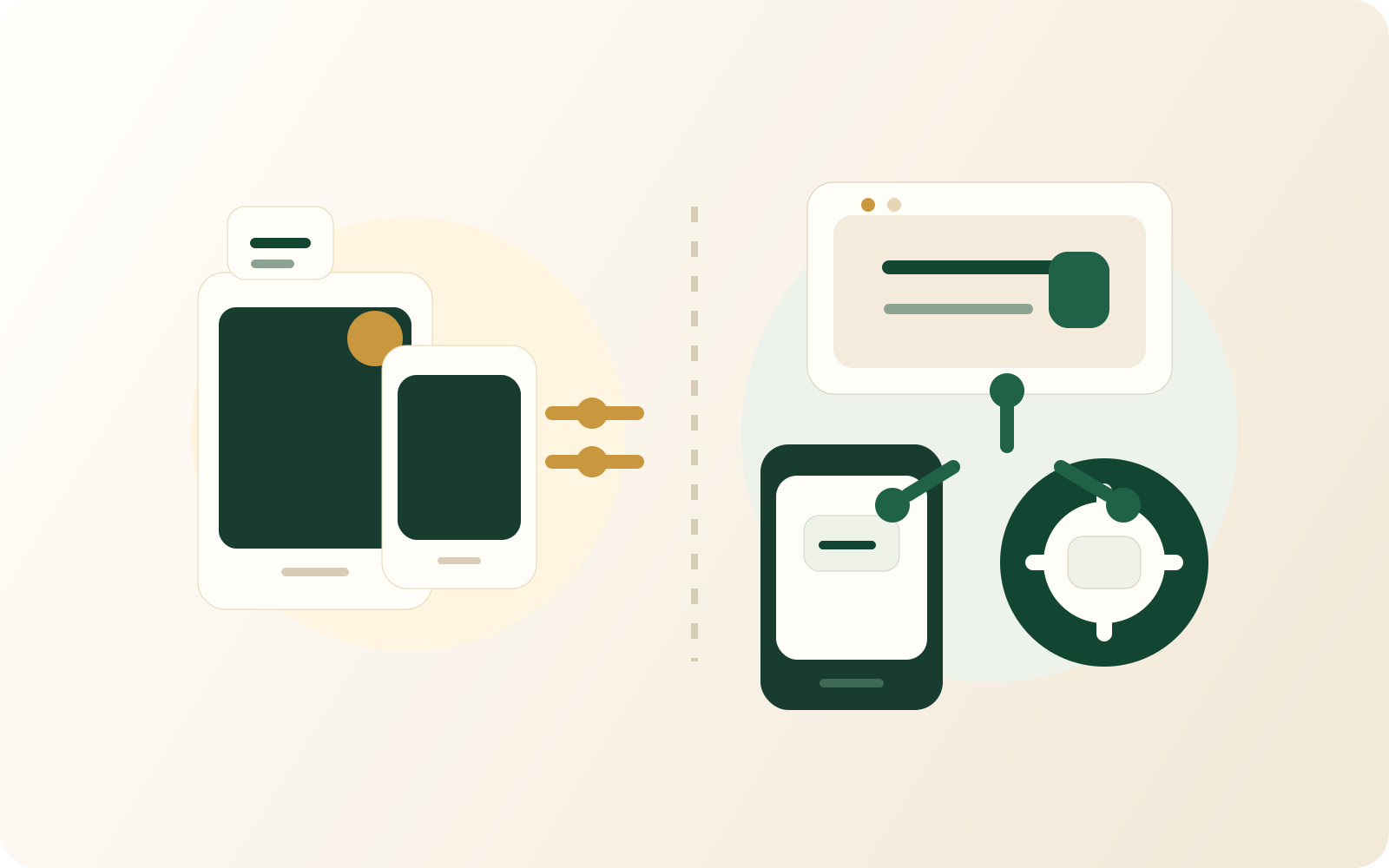
Illustration contrasting an Apple-device cluster with a broader web, Android, and open-sync setup.
Things 3 is optimized for the Apple world. TapTidy is aimed at people who cannot or do not want to stay inside it.
Things 3 wins on Apple-native craft TapTidy wins on Android and web reach Only TapTidy exposes open calendar paths

Choose TapTidy if...

  • You need a real Android app or a web app that can anchor the same system.
  • You want open calendar sync through CalDAV instead of a closed Apple-first sync world.
  • You want a free starting point before deciding whether the workflow is worth paying for.
  • You want privacy controls such as customer-visible E2EE on the paid tier.

Stay with Things 3 if...

  • You are entirely on iPhone, iPad, and Mac and want one of the best native Apple task experiences ever made.
  • You prefer a one-time purchase model over an ongoing subscription.
  • You do not need Android support, open sync, or a public web app at all.
  • You value Apple-centric refinement more than broader platform reach.

Feature table

The sharper the Apple commitment, the stronger Things 3 looks. Outside that boundary, TapTidy takes over.

These are not interchangeable products. They are optimized for different environments and assumptions.

TapTidy compared with Things 3
Category TapTidy Things 3
Free starting point 400 tasks, 5 projects, and no expiry on the free tier. Purchase required before you can make it your long-term system.
Pricing model Subscription for the expanded Pro feature set. One-time purchase model across Apple platforms.
Web access Installable web app. No public web app.
Android app Native Android app. No Android app.
Apple apps No native Apple apps yet. Native iPhone, iPad, and Mac experience is the product's center of gravity.
Sync posture Background sync plus open connectors. Things Cloud sync between Apple devices.
Open calendar path CalDAV server, CalDAV client support, and Google Calendar integration. No public CalDAV server or matching open-sync path is documented.
Customer-visible E2EE option Available on Pro. No public customer-managed end-to-end encryption option documented.
Built-in routines and Pomodoro Available within the product. Not a core part of the Things 3 proposition.

This page intentionally avoids reducing the decision to price alone. The real dividing line is platform scope and sync openness.

FAQ

Most Things 3 users already know what they love about it.

The real question is whether that Apple-only strength is still compatible with the rest of your life and devices.

No. If you want the best Apple-native task experience and do not need Android or web reach, Things 3 remains unusually strong. TapTidy wins when the task system has to serve a broader environment.

Compare by Apple-centric category

Better if the question is not just about Things 3, but about leaving the Apple-only task pattern entirely.

Open Apple-centric comparison

Compare with Todoist

Better if your next option is a broader cross-platform default rather than another tightly designed niche tool.

Open Todoist comparison

Inspect the Android path

Better if Android support is the main reason Things 3 no longer works for you.

Open the download page

Sometimes the product you admire most is simply optimized for a world you no longer live in.

TapTidy is what that choice looks like when Android, web, households, and open sync move from optional to required.

See the broader Apple-centric comparison Then decide whether you are replacing a specific app or leaving a whole category.