Skip to content
TapTidy
All-in-one comparison
HomeCompareAll-in-one planners

Category comparison

All-in-one planners win when you want everything in one surface. TapTidy wins when that sprawl starts fighting the task system.

This page is about the planner pattern itself: calendar, tasks, habits, timer, and extra workflow layers inside one product. TapTidy overlaps with some of that but stays much more opinionated about privacy, sync openness, and keeping the core task engine tight.

Bundled calendar and planner views Open sync and E2EE on TapTidy Lower price is common in the category

This page summarizes patterns seen across current all-in-one planner apps reviewed on July 9, 2026. Exact pricing and platform coverage vary by product.

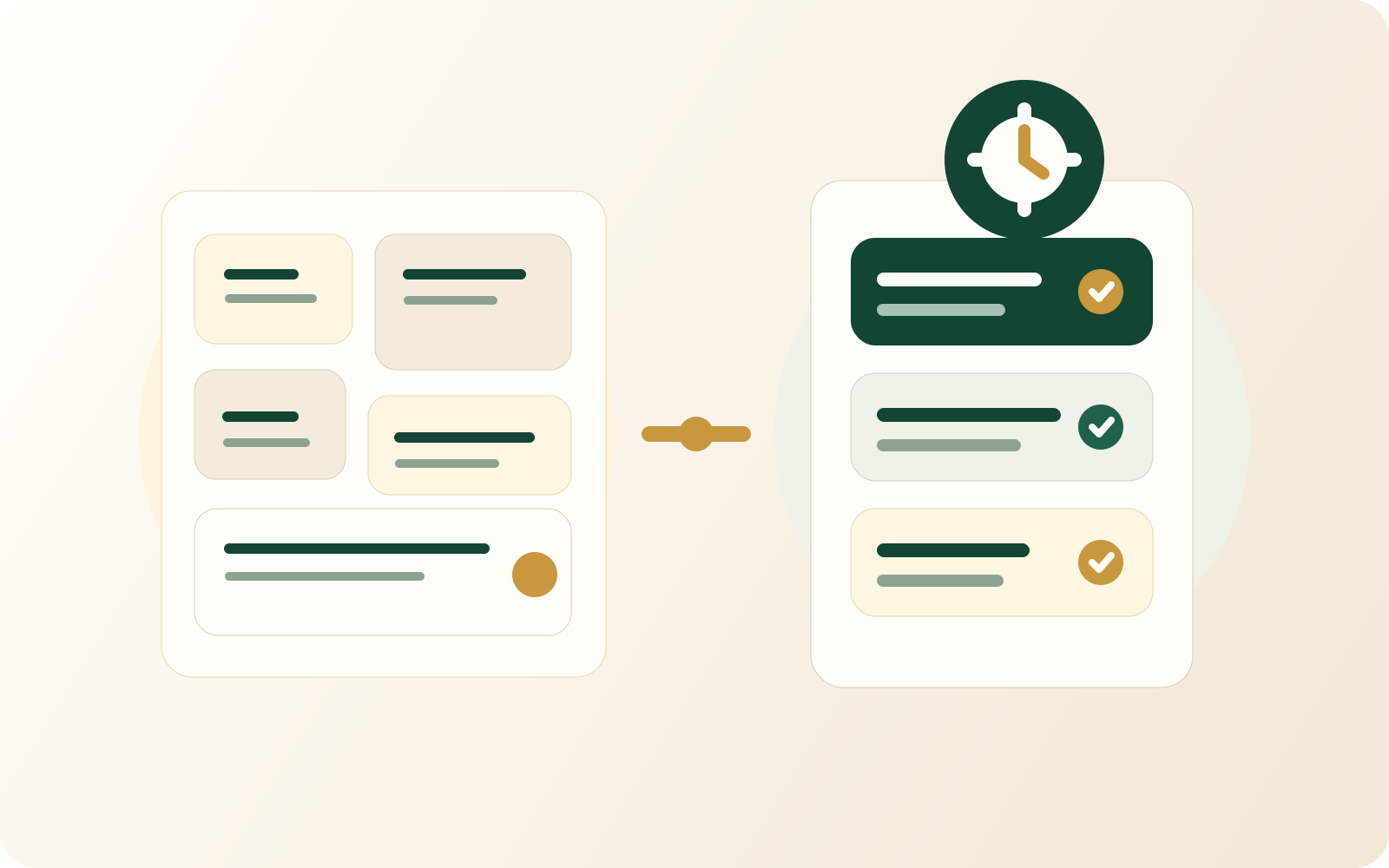
Illustration contrasting a sprawling multi-surface workspace with a focused task stack.
The category strength is bundling. The category weakness is that task work can become crowded by everything else.
All-in-one planners win on bundling TapTidy wins on task focus Open sync and E2EE are uncommon in the category

Choose TapTidy if...

  • You want the task system to stay crisp instead of accreting planner surfaces forever.
  • You want CalDAV server and client support, Google Calendar integration, and a more open sync posture.
  • You want customer-visible E2EE controls on the paid tier.
  • You like routines and Pomodoro, but do not want those features to come bundled with a more crowded planner shell.

Choose an all-in-one planner if...

  • You want the calendar, timer, habits, and task list all inside one product and one mental model.
  • You want a planner that often costs less on yearly pricing.
  • You value built-in calendar-heavy planning more than open sync or customer-managed encryption controls.
  • You want the extra surfaces and do not experience them as clutter.

Feature table

This is a category tradeoff, not a one-app verdict.

The rows below focus on the structural differences that keep showing up across the category.

TapTidy compared with the typical all-in-one planner pattern
Category TapTidy Typical all-in-one planner
Planner shape Task engine first, with supporting focus and routine layers. Calendar, timer, habits, and task views bundled together as the main proposition.
Calendar philosophy Pushes outward through CalDAV and calendar integrations. Usually keeps the calendar directly inside the app.
Habits and Pomodoro Available inside TapTidy. Usually available and often highlighted heavily.
Open sync path CalDAV server, CalDAV client support, and Google Calendar integration. Open server-style sync is uncommon.
Customer-visible E2EE option Available on Pro. Customer-managed end-to-end encryption is uncommon in the category.
Pricing pressure Not the cheapest option once you upgrade. Lower yearly pricing is common.
Android privacy choice Standard build plus No-Google APK. Separate privacy-focused Android variants are uncommon.
Risk of sprawl Lower because the product stays more tightly task-centered. Higher because every new surface becomes another thing to manage.

If the bundled planner is genuinely helping, stay with it. This page matters only when the bundle has started to feel like overhead.

FAQ

The category sounds attractive because it promises fewer tools.

The catch is that one tool can still become too much tool.

Because the extra spend is buying a different stance on openness, privacy controls, and task focus. If those are not your concerns, the cheaper category option may be completely rational.

Compare with TickTick

Better if you want to anchor the category comparison to a concrete planner.

Open TickTick comparison

Compare with Notion

Better if the bundled tool has become closer to a workspace than a planner.

Open Notion comparison

Inspect focused task flow

Better if you want to see what TapTidy does instead of adding more planner surfaces.

Open Focus Mode

A bundled planner is only better when the bundle still feels like simplification.

TapTidy is for the point where you want fewer moving parts around the task engine, not more.

See the task-first workflow The goal is not fewer features at any cost. The goal is less friction in the core task loop.